Content Creator
Turn the videos you already have into a posting plan
Choose clips from your phone, put them in order, add a caption, pick your platforms and set the schedule. One tap and Beacon Reach creates every post.
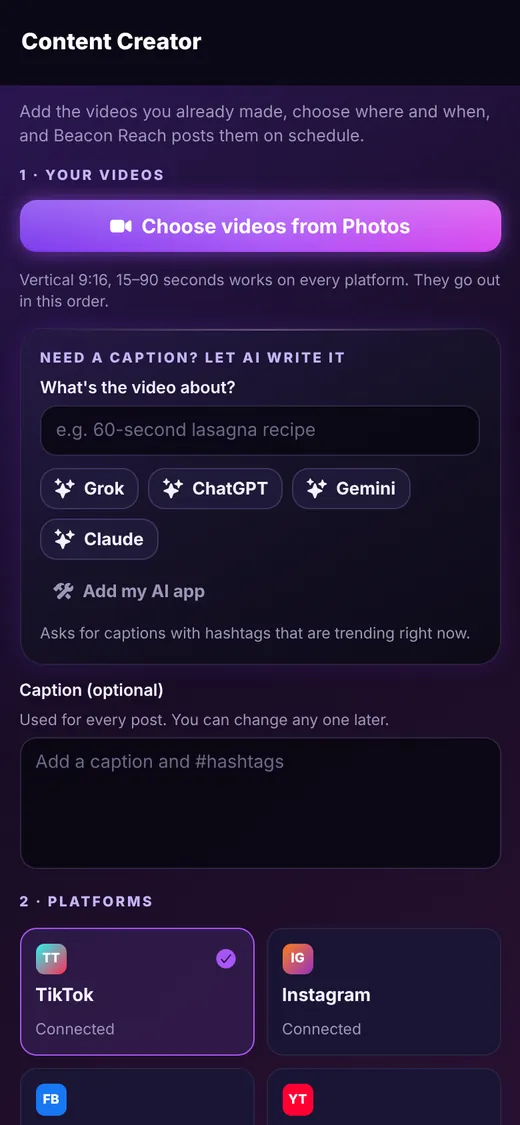
Step 1
Choose your videos
Tap Choose videos from Photos and select as many clips as you want. Vertical 9:16 videos between 15 and 90 seconds work on every platform, and your clips are lined up in the order you pick.
- Select several videos at once
- Reorder them before you schedule
- Length is checked against each platform's limits
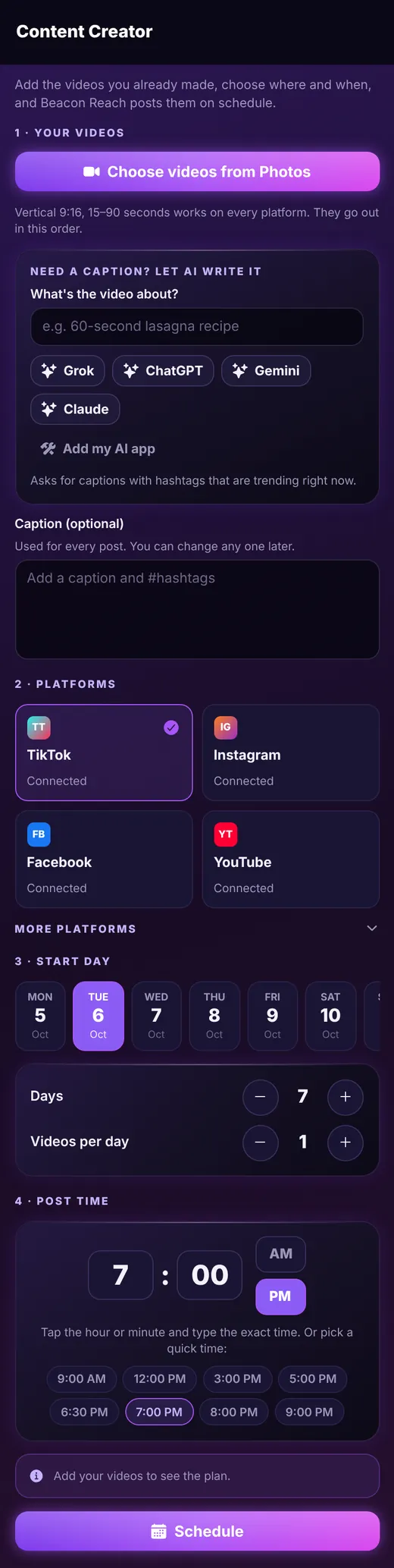
Step 2
Never stare at a blank caption again
Not sure what to write? Tell the helper what the video is about, tap Grok, ChatGPT, Gemini or Claude, and Beacon Reach writes a ready-made prompt asking for captions with hashtags that are trending right now. Paste the winner into your caption box. You can even add your own AI app to the list.
- One caption for the whole batch, editable per post later
- Prompt is copied and the AI app opens for you
- Use the AI accounts you already pay for, nothing extra to buy
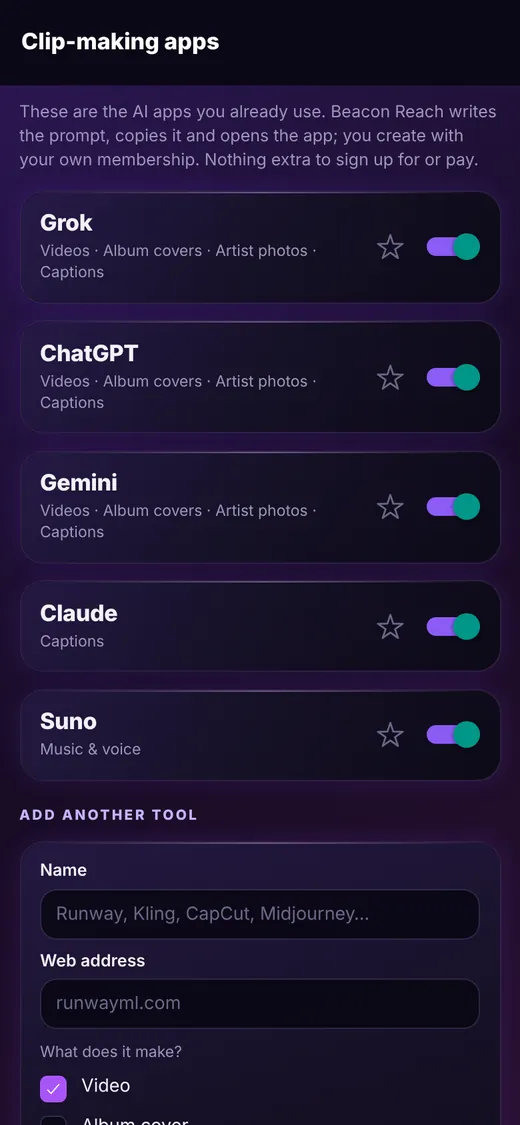
Step 3
Pick platforms, days and time
Choose the platforms for this batch, the start day, how many days to run and how many videos per day. The post time picker is big and easy, with quick picks for common times. Tap Schedule and every post appears in your calendar as a draft for you to approve.
- TikTok, Instagram, Facebook and YouTube show as Connected once linked
- More platforms are one tap away in the list below
- Posts are created as drafts, so you stay in control
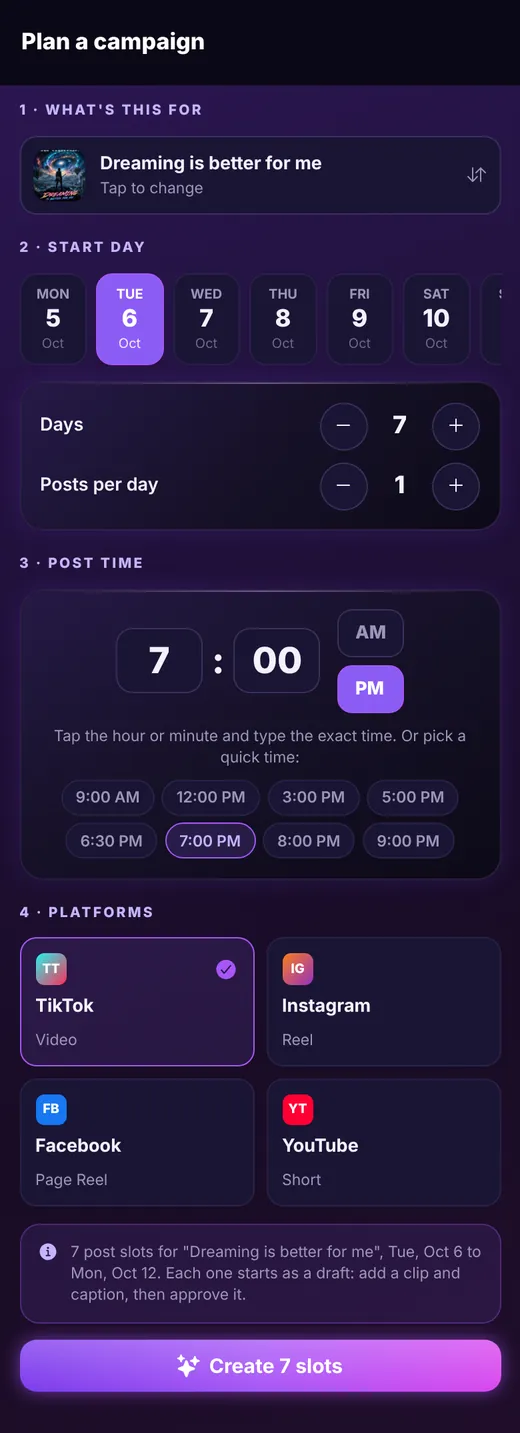
Keep exploring
Ready to line up your week?
Beacon Reach is coming soon to the App Store for iPhone.