Get started
Up and running in about five minutes
A short welcome tutorial asks a few questions, a built-in guide walks you through every step, and a launch checklist keeps track of what is left.
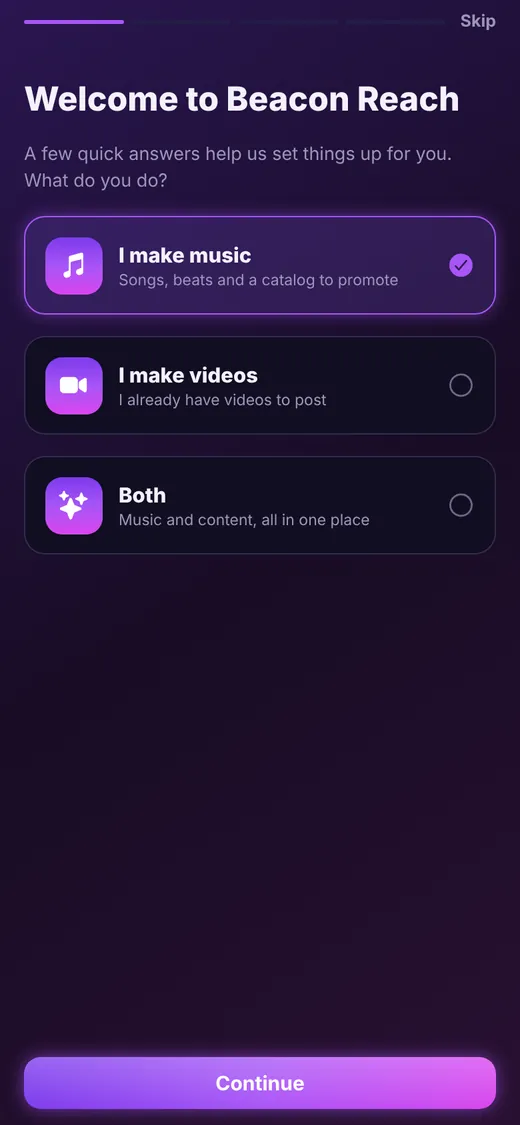
Welcome tutorial
Tell it what you do
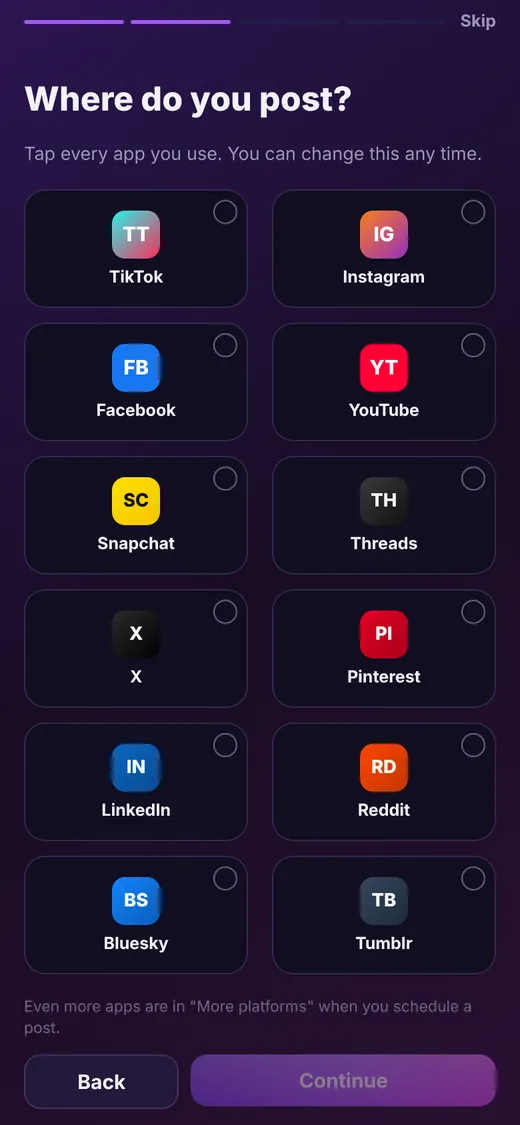
Choose whether you make music, make videos, or both, then tap every app you post to. Beacon Reach sets itself up for you, and you can change your answers any time. You can replay the tutorial from Settings whenever you like.
- Music, videos or both
- Pick all the apps you use
- Skip or replay any time
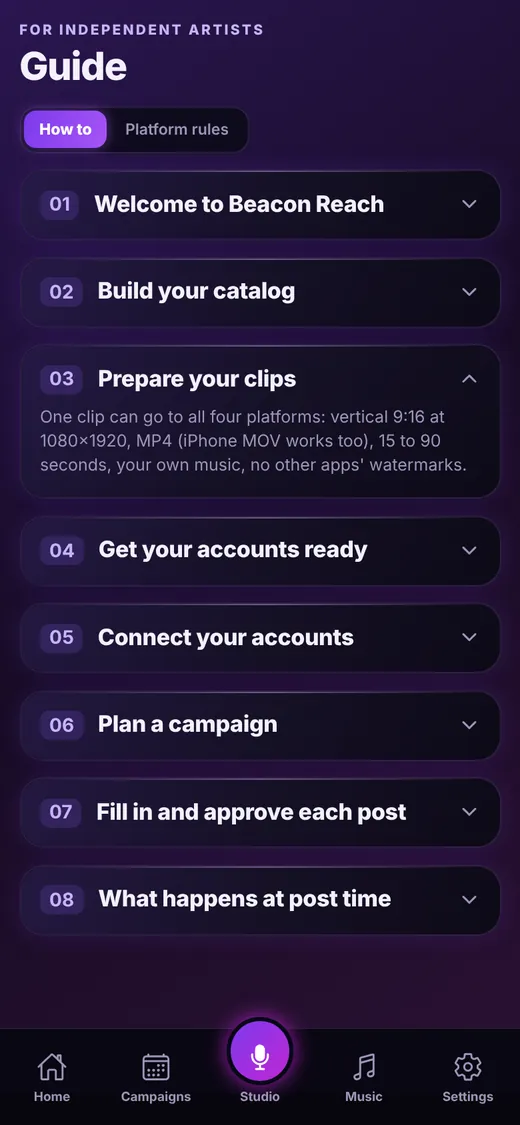
Built-in guide
Eight short how-to steps
The Guide tab explains everything in order: build your catalog, prepare your clips, get your accounts ready, connect them, plan a campaign, fill in and approve each post, and what happens at post time.
- Step-by-step, written in plain language
- Platform rules one tap away
- Open and close each step as you go
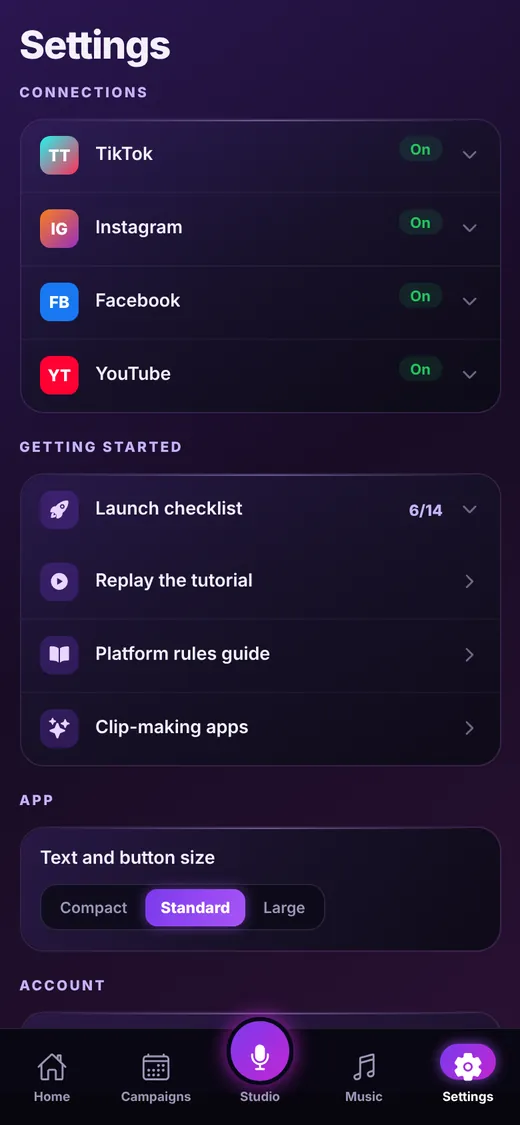
Settings
Make it yours
Keep an eye on your launch checklist, replay the tutorial, open the rules guide, edit your profile, and choose Compact, Standard or Large text and buttons so the app is comfortable for you.
- Launch checklist with progress
- Text and button size control
- Privacy policy and terms inside the app
- Sign out or delete your account and data
Keep exploring
Ready to line up your week?
Beacon Reach is coming soon to the App Store for iPhone.